Your browser does not seem to support JavaScript. As a result, your viewing experience will be diminished, and you have been placed in read-only mode.
Please download a browser that supports JavaScript, or enable it if it's disabled (i.e. NoScript).
首先将typec插入板子的烧录口并且将下面的通用烧录工具箱下载在辅机
FPGA通用烧录工具箱.exe
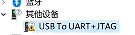
在辅机打开此工具箱 如果没有安装过烧录驱动辅机会出现以下未安装驱动的设备
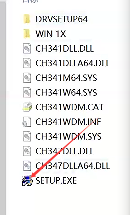
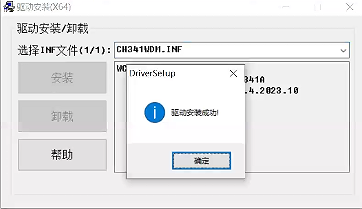
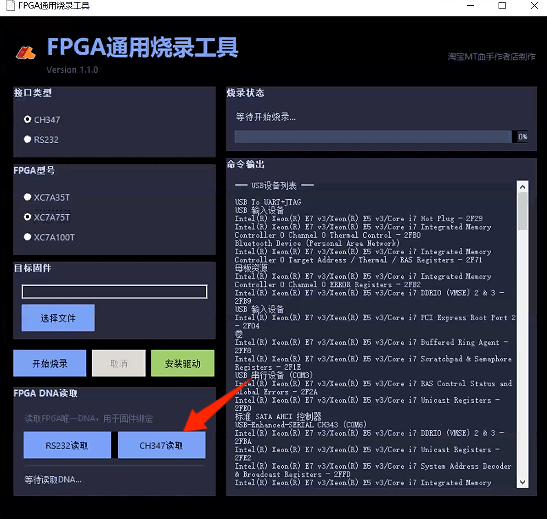
在烧录工具箱里面点击安装驱动 安装成功后回到工具箱点击 ch347或者rs232读取即可